Bath Scene Breakdown
I recently did a detailled breakdown of my Grand Bath scene for Games Artist.
You will find here some of the images and thought process I shared in the article.
__________
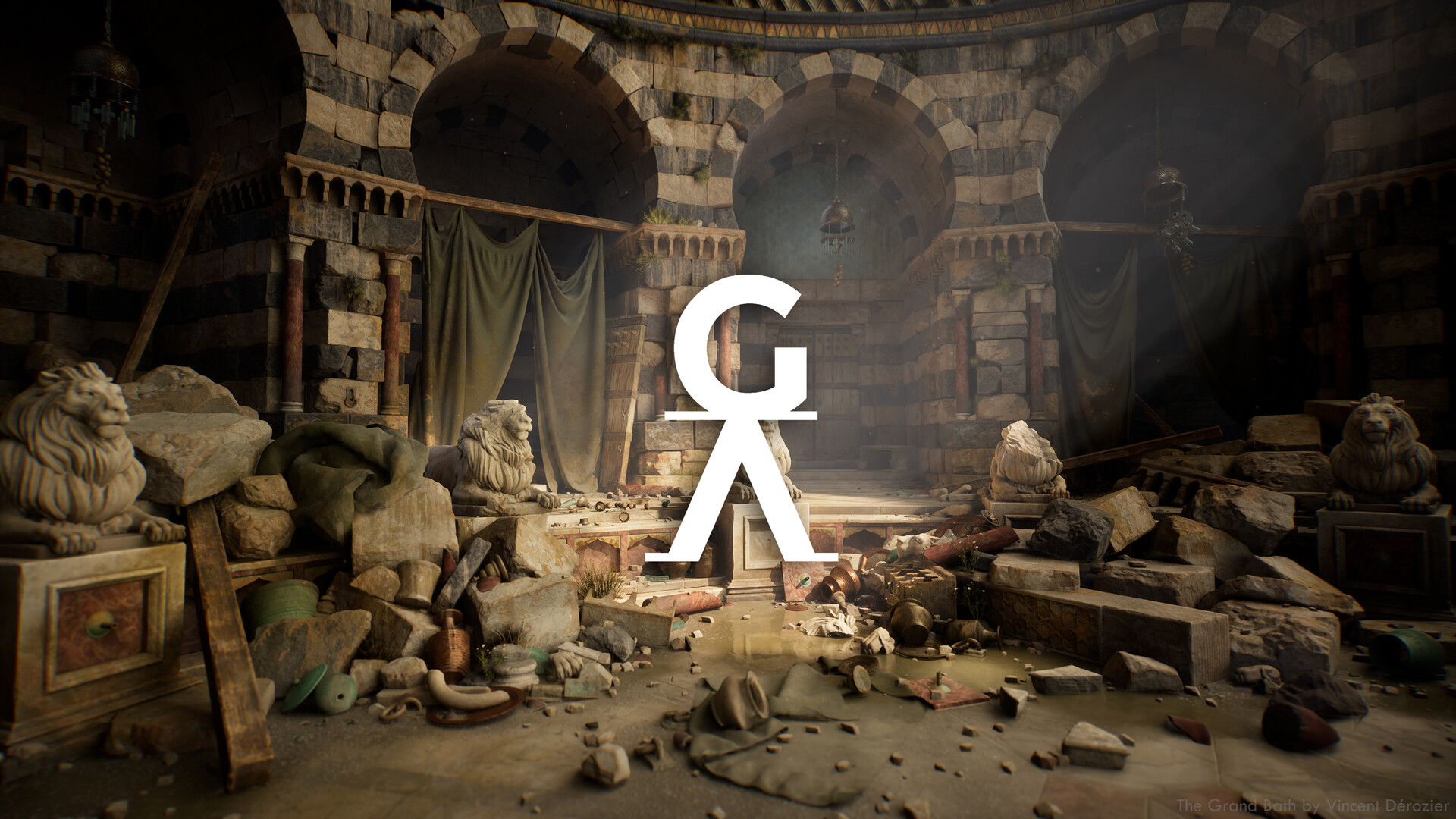
The Final scene,
https://www.artstation.com/artwork/2qqYGv
The complete article is here,
https://gamesartist.co.uk/baths-environment-vincent-derozier/

My key inspirations, The Great Bath of Bursa by Jean-Léon Gérôme and At the Wailling Wall by Gustav Bauernfeind. Orientalist period and thematic has always been a huge source of inspiration to me.

The first step was to gather many references as inspiration. I love this step as it's where you always discover new historical facts and amazing places.

My purpose here was also technical, I wanted to test Lumen in the Unreal Engine 5, as well as some 3d recipes I had in mind. This project was mainly a sandbox for me to experiment ideas and benchmarks.

I started creating a very simple grey blockout. Trying to create something iconic but not reproduce one image in particular, gathering elements from many references.

In term of numbers I ended up spending around 650 hours on the entire project, creating around 90 3d assets and 40 materials. It was a big side project with the actual life rythm I have so I listed everyting to optimize my spare time.

Then from that listing I fleshed out a Block Plan. It helped me a lot to vizualize the work load and how many hours I needed to put in. For me it's the most important step to limit overtime for professionnal or personnal projects. I worked 30 hours/week.

I started with the walls, I wanted something more versatile and grounded than a plane with displace so I sculpted around 30 stones, intact and broken ones. I baked those in two separate substance Painter files.

early test with only 10 simple stones. I wanted to test out the recipe. It helped me to realized my scale could be smaller, that I would need broken versions of my stones, a kit of decals and variation of my material to have the bi color wall.

Here are few examples of how I used those baked assets. It gave me the versatility to reuse its for corner, straight, concave or convex recipes and even rubbles. Visually it guarantee consistency throughout the scene.

Here is a screen to visualize the sculpted stones repartition. You can see them on the walls, arches, rubbles and also clutters. (The interior of the arches were made with a multi material of 2 wallstones and a stucco driven by vertex paint) .

I kept the stones sculpt and texturing simple as I knew I would add an extra layer of decals on top of it. It helped me add the final extra layer of patina, and linked every assets together without feeling repitition between the instances.

I created and baked 4 floor modules with a dedicated material to have a nice grounded patina, and a broken variation for each to paint cracks where I wanted. I also created variation to break the tiling.

For the texturing I went for something simple and straight forward, material layering. I created my own marbles, mixed them with some from Substance Source and dirt from a scan library to nail exactly the look I wanted.

I then dupplicate my substance to create a broken version. This one was exactly the same but with cracks on top driving some extra dirt layering.

Here is a screenshot of the cracks setup I reuse on my 4 broken floor versions.

Once you have two states of a material, the regular and the broken one, you can plug those in a multi material driven by vertex color. That way you will be able to paint where you want to reveal each state.

For the Curtains the most efficient way to go for me is Marvelous Designer. One of the simpliest and funniest software I have worked with. Curtains have very simple sewing pattern and can quickly be very dramatic with few tacks.

The material applied on it is very straight forward. A simple shape, used to create several threads interlaced together. I created 3 color variations for the base color and custom masks to do a quick blend pass in the scene.

To bring some color in the scene I recreated the tiles from this amazing painting. It was really interesting to try to match one of those surfaces.

Pattern and Mid Shapes overview.

For the Lions, I didn't use anything fancy just Moves, Clay build Up, Pinch and Trim Smooth Border. I worked the body, head and legs before adding any other elements, keeping everything with separate polygroups to work easily.

When I finished it I duplicate my lion and start chopping in it with the slice selection tools to create the broken parts. Each ones being dynamesh and resculpt to chip the edges and fill the cuts with mid shapes.

At the end I imported the baked version of each element with their specific materials. It gave me a lot of flexibility as I was reusing the full lions but also the broken part as figurative rubbles. It was even possible to put some broken element back.

When I started playing with the sequencer I realized it would be interesting to invest more time on the Gate. I created the Gate in a modular manner again to reuse element on the gate itself and in the scene as rubbles.

I created several alphas of stone, wood, broken surfaces but also decoration to go quickly in zbrush.
My wood alphas.

My iron Alphas.

It allowed me to quickly flesh out my sculpt before chipping edges and adding details.

Then, like the Lions, I baked and layered my materials in Painter to create the final material. To be more efficient I worked everything in one SPP using one Udim for each elements, door, props and stones.

Once everything was baked I created the final version of the asset, playing with the separate elements to create a two door Gate with a stone lintel, nails and iron hinges.